
Competitions
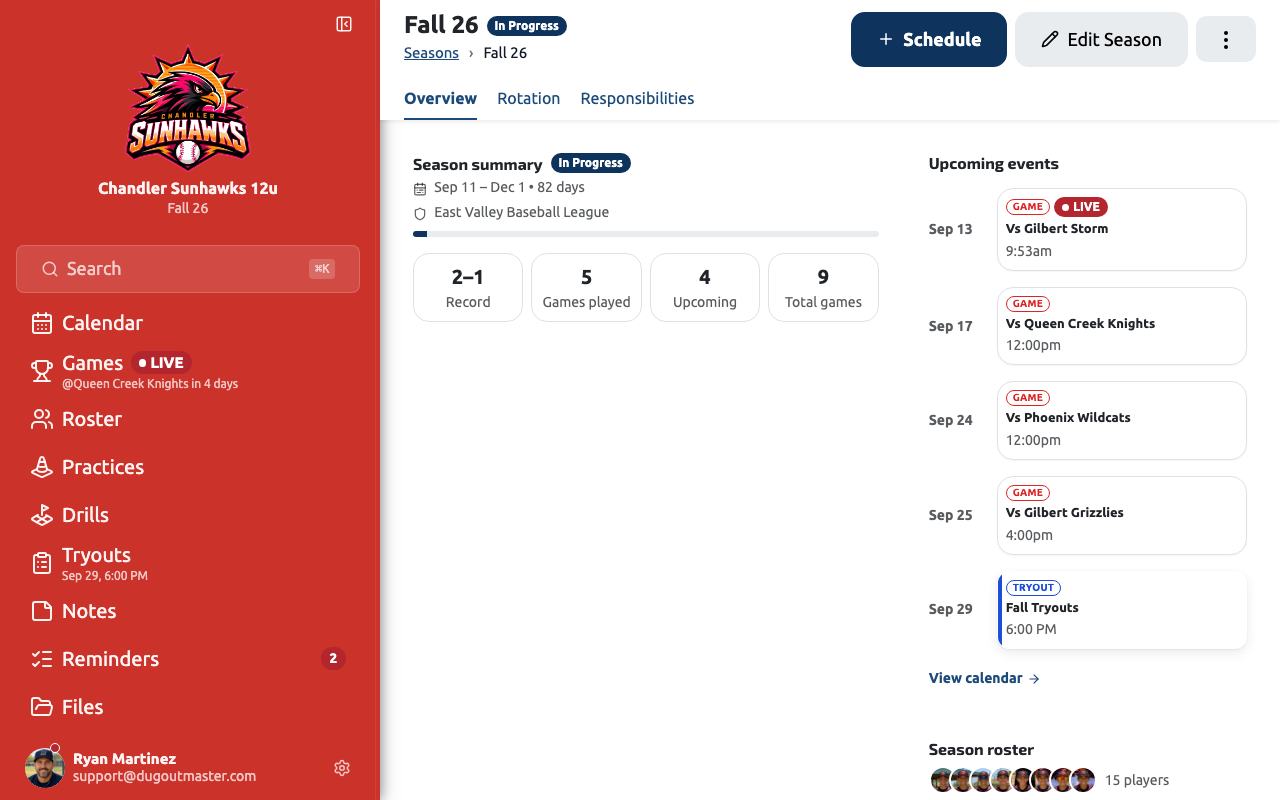
A competition groups your games together so you can track your record, run stats, and manage a focused roster for a specific stretch of play — a league season, a tournament, a championship run, a friendly series, or anything else your team plays under.
Creating a competition
Section titled “Creating a competition”- Go to your team dashboard and tap Competitions
- Tap Create Competition
- Enter a name (e.g., “Spring 2026” or “Memorial Day Tournament”), choose a type, and add an optional date range
- Optionally add a competition image — a tournament logo or league badge
- Save
Competition types
Section titled “Competition types”Pick the type that fits. It labels the competition everywhere it appears and helps you tell them apart at a glance.
| Type | Use it for |
|---|---|
| League Season | A regular season in a league. This is what every existing season became. |
| Tournament | A weekend or multi-day tournament |
| Championship | A playoff or championship run |
| Friendly Series | Scrimmage-style games outside a league |
| Other | Anything that doesn’t fit the above |
The type is a label — it doesn’t change how stats, records or scheduling work, so you can switch it any time by editing the competition.
Competition roster
Section titled “Competition roster”Each competition has its own roster — a subset of your team’s players. This lets you handle roster changes between competitions without losing history.
See Roster Management for details.
Competition record
Section titled “Competition record”Dugout Master automatically calculates your competition record (W–L–T) based on completed games with recorded results. Scrimmage games are excluded.
Archiving a competition
Section titled “Archiving a competition”When a competition is over, you can archive it. Archived competitions still appear in history but are hidden from the active view to keep things clean.
Competition schedule
Section titled “Competition schedule”Tap the competition name at the top of the page to switch between competitions, and use Schedule there to add a game or practice without leaving the page. The schedule itself has four views — Month, Week, Agenda, and Season — and remembers whichever one you last used.
See Competition Schedule for the full breakdown of each view.