
Files Overview
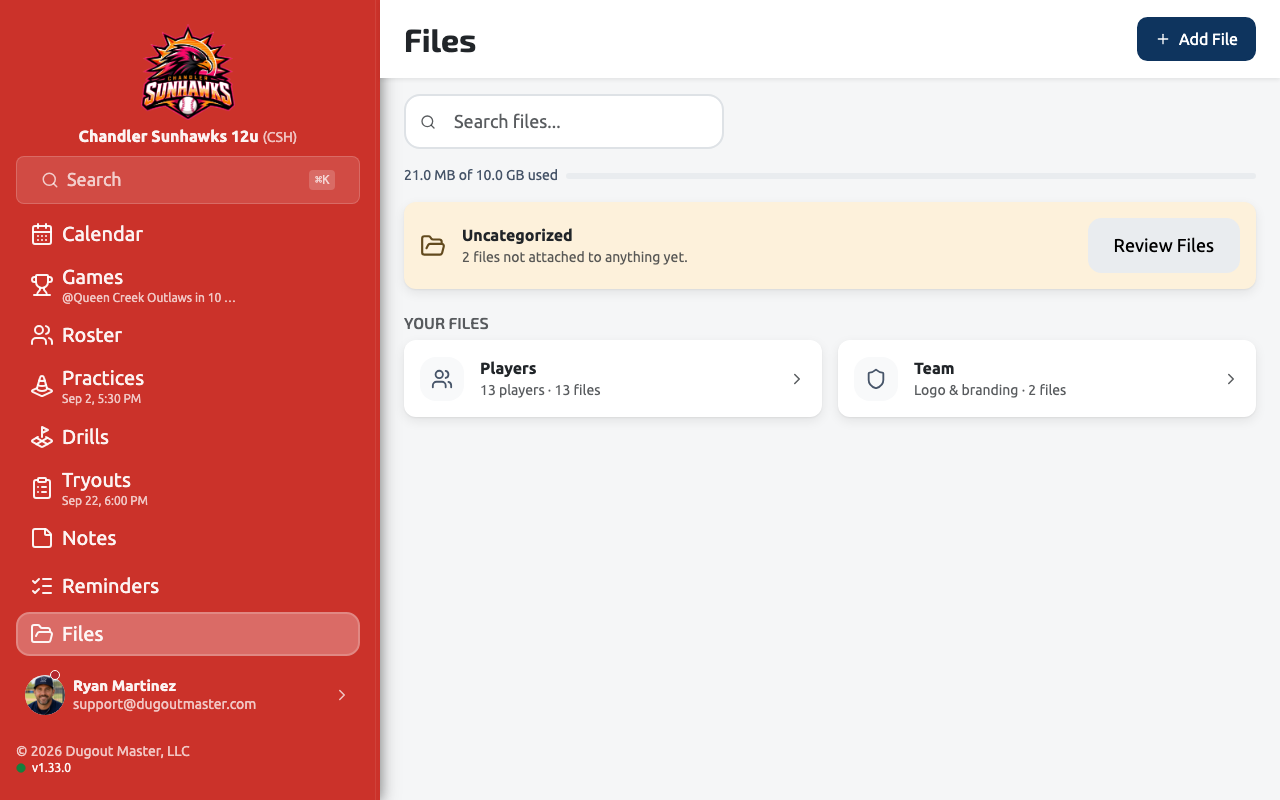
Files is your team’s filing cabinet — field maps, tournament rules, waivers, screenshots, receipts, anything worth keeping. Each file can be related to a game, practice, event, player, or venue, so it shows up where you’d expect to find it rather than only in one long list.
Uploading
Section titled “Uploading”Add a file from Files → Add File, give it a name and an optional description, then relate it to whatever it’s about. Images, PDFs, text and CSV files, and Word, Excel, and PowerPoint documents are supported, up to 20 MB each. Images preview right in the app; everything else opens or downloads in a new tab.
Who can see it
Section titled “Who can see it”Every file has a visibility setting:
- Only me — private to you.
- All coaches — visible to every coach on the team.
- Team — reads the same as All coaches today, reserved for sharing more widely later.
Where files show up
Section titled “Where files show up”Besides the Files page, related files appear on the game, practice, event, venue, and player pages they’re attached to, and recent uploads can be added as a card on your team dashboard.
Finding files
Section titled “Finding files”Search by name, and filter by visibility, what a file is related to, or competition. Competition is a filter, not a container — a file isn’t hidden just because you’ve moved on to a new competition.