
Batting Order
The batting order is the sequence in which players bat. In Dugout Master, it’s set once per game and applies to every inning.
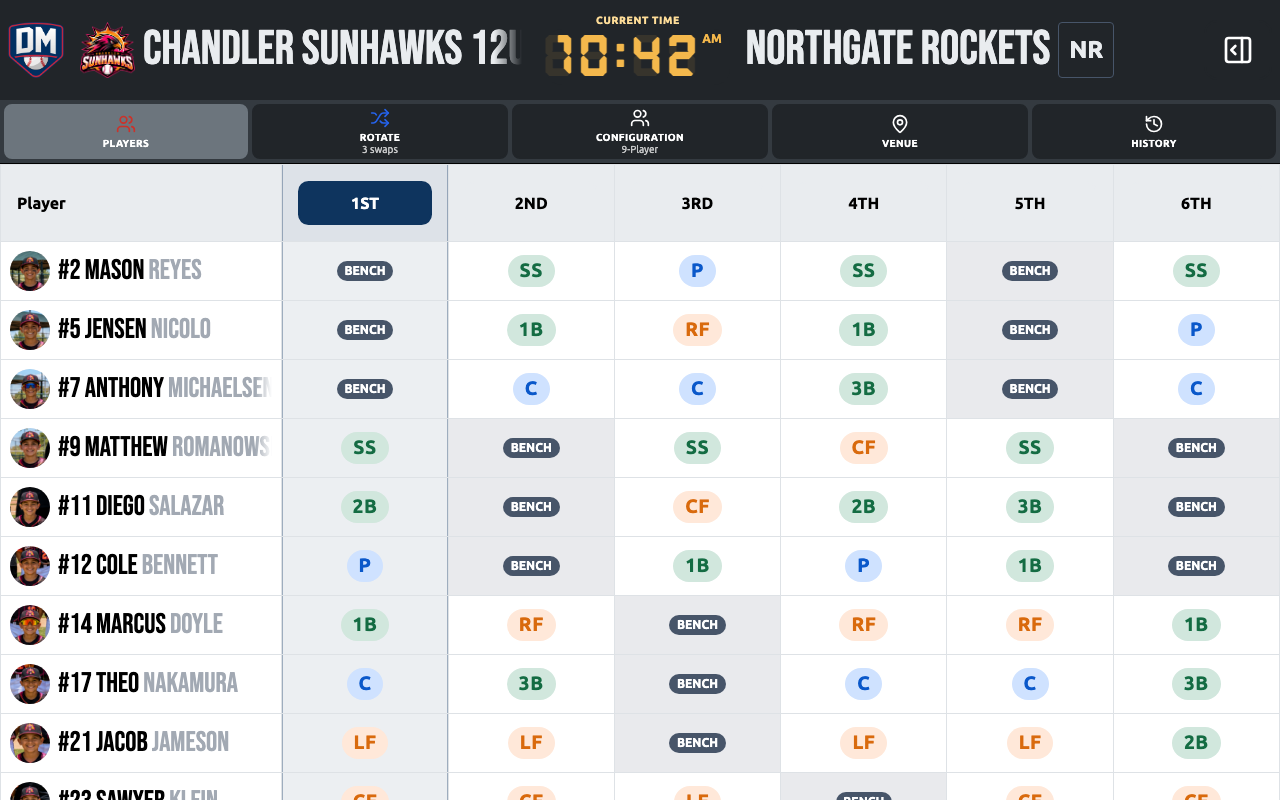
Setting the batting order
Section titled “Setting the batting order”- Open a game and tap Edit Lineup
- Drag players into batting position using the drag handle
- Tap Done to save
The order is shown as a numbered list in the left rail of the lineup board.
Suggest a batting order
Section titled “Suggest a batting order”You don’t need a lineup first — Suggest Batting Order can start one for you. Find it on a blank lineup’s starting screen, or in the lineup editor’s ⋮ menu.
- Choose a strategy: Balanced, Maximize runs or Spread the at-bats
- Under Who’s playing, untick anyone who isn’t at this game. Everyone on the competition roster is ticked to start, except players marked unavailable for the game
- Tap Generate Batting Order to see the suggested order. Drag rows to adjust it, or tap Back to change the strategy or players
- Tap Use This Order to make it the game’s batting order
Nothing changes until you tap Use This Order. If the game already has a batting order, you’re asked before it’s replaced. Field positions are never changed.
Batting pipeline
Section titled “Batting pipeline”During a game, Dugout Master tracks the active batter, on-deck, and in-hole positions in real time.
Tap any player in the batting rail to mark them as the active batter. The pipeline updates automatically.
Reordering mid-game
Section titled “Reordering mid-game”You can reorder the batting order at any time during a game. Changes take effect immediately and the pipeline updates to reflect the new order.
Active batter indicator
Section titled “Active batter indicator”The player currently at bat is highlighted in the batting rail. Tap them again to clear the active batter (useful between half-innings).