
Responsibilities
Responsibilities are the recurring duties your team needs covered each game — snacks, GameChanger, field setup, or anything else you define — assigned to your contacts once and resolved automatically for every applicable game on the competition.
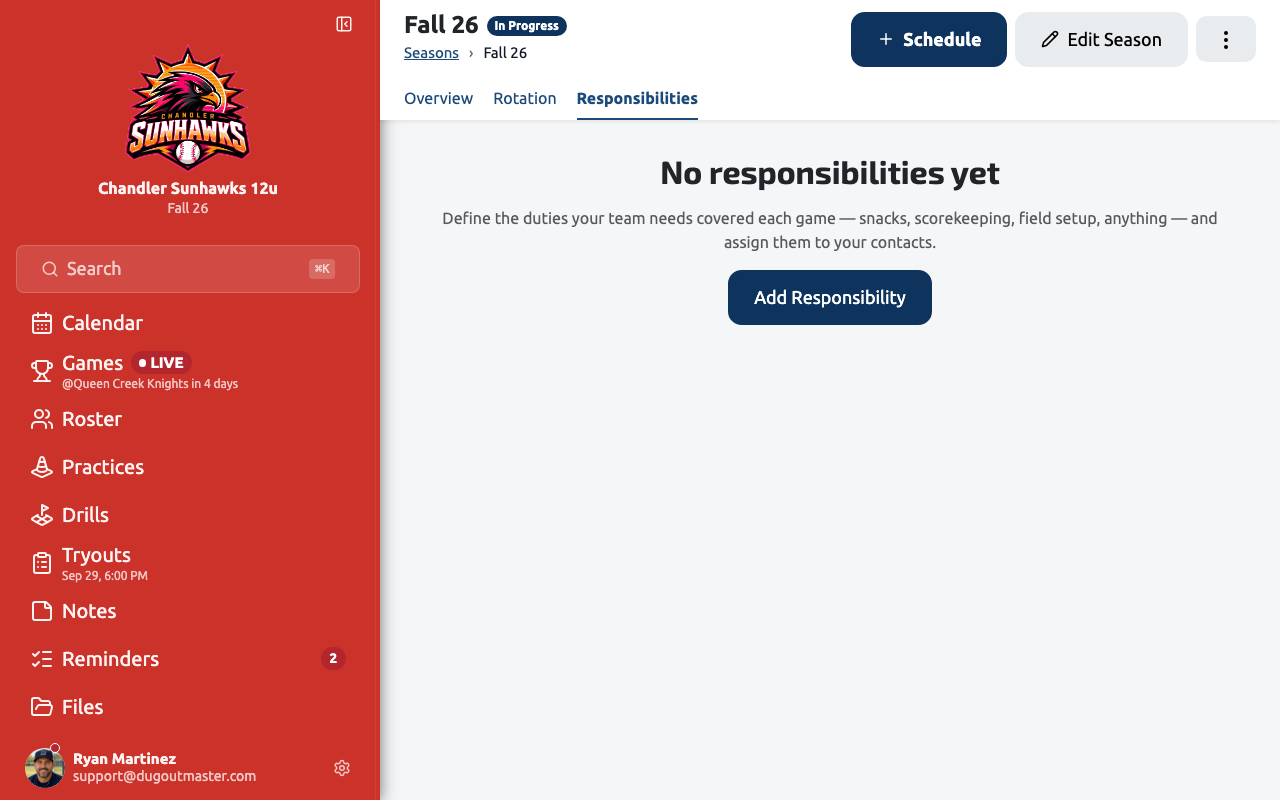
Creating a responsibility
Section titled “Creating a responsibility”From a competition’s Responsibilities tab, tap New Responsibility (or Add Responsibility if the competition has none yet) and set:
- Name and description — free text. “Snacks,” “Scorekeeping,” and “Field Setup” are just examples; nothing about the app depends on what you call it.
- How it’s assigned — one of three types (see below).
- Applies to — All Games, Home Games, or Away Games.
Assignment types
Section titled “Assignment types”| Type | What it means |
|---|---|
| Fixed | One contact covers every applicable game. |
| Rotation | An ordered group of contacts takes turns, game by game, based on each game’s position in the competition schedule. |
| Per Game | No default person — you assign each game individually from the schedule or the game itself. |
A Fixed responsibility picks one contact; a Rotation responsibility builds an ordered list you can reorder or remove people from. Either way, the person is a reference to an existing contact — editing that contact’s name or phone updates every responsibility they’re on.
Per-game overrides
Section titled “Per-game overrides”Whatever a responsibility’s default configuration says, any single game can be reassigned without touching the competition default. Open Assignments on a responsibility (or the Responsibilities section inside a game’s Details drawer) and pick a different contact for that one game from the dropdown — it’s saved as an override for that game only, and every other game keeps resolving from the fixed contact or rotation as if the override didn’t exist.
This is also how a Per Game responsibility works day to day: since it has no default, every game assignment you make is one of these per-game entries.
Changing a Fixed or Rotation responsibility’s configuration (swapping the assigned contact, reordering the rotation) locks in whoever was resolved for every past applicable game first, so your history keeps reading the way it actually happened — the new configuration only ever speaks for games still ahead.
Where responsibilities show up
Section titled “Where responsibilities show up”- The competition’s Responsibilities list shows each duty, who (or what group) covers it, and a Needs attention badge when it points at nobody or at a contact that’s been deactivated.
- A game’s Details drawer shows a Responsibilities section for whatever duties apply to that game, with the same per-game assignment control.
- A contact’s own detail page lists every responsibility they carry — as the fixed assignee, in a rotation, or through per-game assignments — with a link back to that competition’s Responsibilities page.
Deactivating and deleting
Section titled “Deactivating and deleting”Deactivate a responsibility to stop assigning it while keeping its history; reactivate it later and its configuration is unchanged. Deleting a responsibility permanently removes it and every game assignment recorded against it — Dugout Master warns you before you confirm.