
Running Practice Mode
Practice Mode is the screen you run from during an actual practice — a single, streamlined flow built around executing the drills you already planned, not editing them.
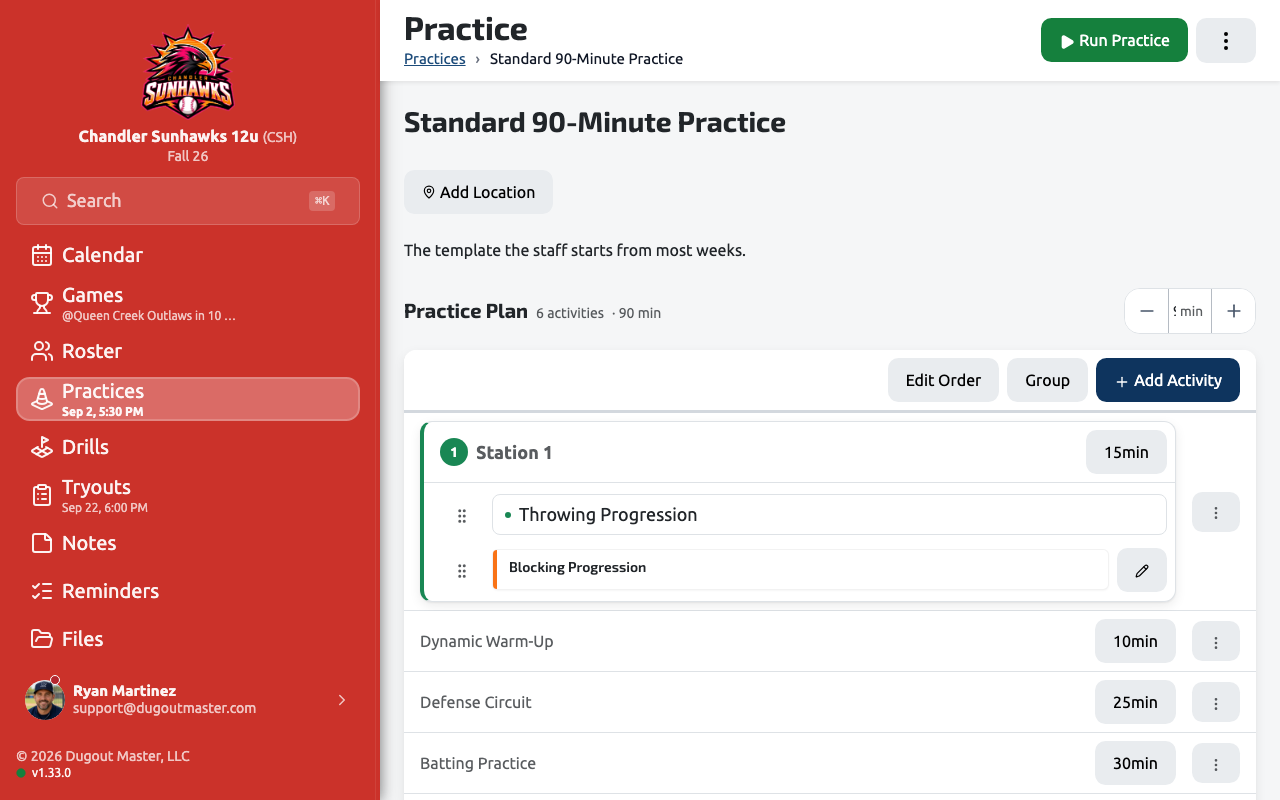
Layout
Section titled “Layout”Practice Mode is a two-column control center: one side tracks where you are in the drill order and how much time is left, the other surfaces the details you need for the current drill — instructions, equipment, and (for Evaluation sessions) the scoring plan.
Drill flow
Section titled “Drill flow”- Drills advance automatically as their allotted time runs out — there’s no setting to turn this off, so a practice keeps moving even if nobody taps anything.
- You can extend the current drill’s minutes on the fly if it’s running long; the extension only survives on the Coach Display and the drill drawer, not in the saved plan.
- Warm-up drills loaded from a practice template appear at the start of the run automatically, so you don’t have to re-pick them.
Ending a practice
Section titled “Ending a practice”Stop Practice ends the run and marks the practice completed. There’s no “are you sure” prompt for stopping early — if you start Practice Mode, plan to run it through or stop deliberately.
Equipment checklists
Section titled “Equipment checklists”Every drill can carry an equipment list. Practice Mode rolls those up into one checklist for the whole practice, which you can print and hand to an assistant coach before you start.