
Notes Overview
Notes are freeform coaching observations you can attach to a player, a game, or nothing in particular. Every note linked to a player automatically shows up on that player’s season report — there’s no separate toggle to opt a note in.
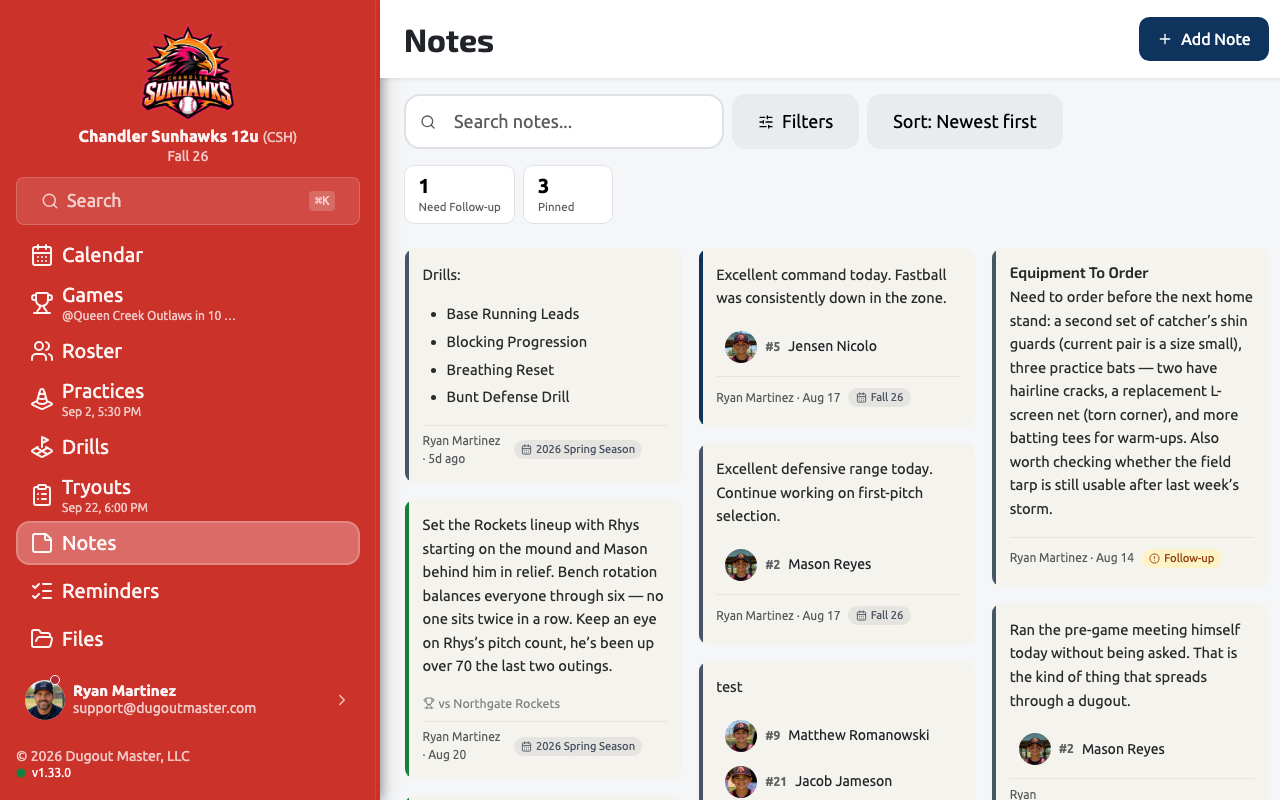
Board and list views
Section titled “Board and list views”Notes open on a drag-and-drop board by default — arrange notes freely on one canvas — or switch to a familiar list view at any time using the view toggle.
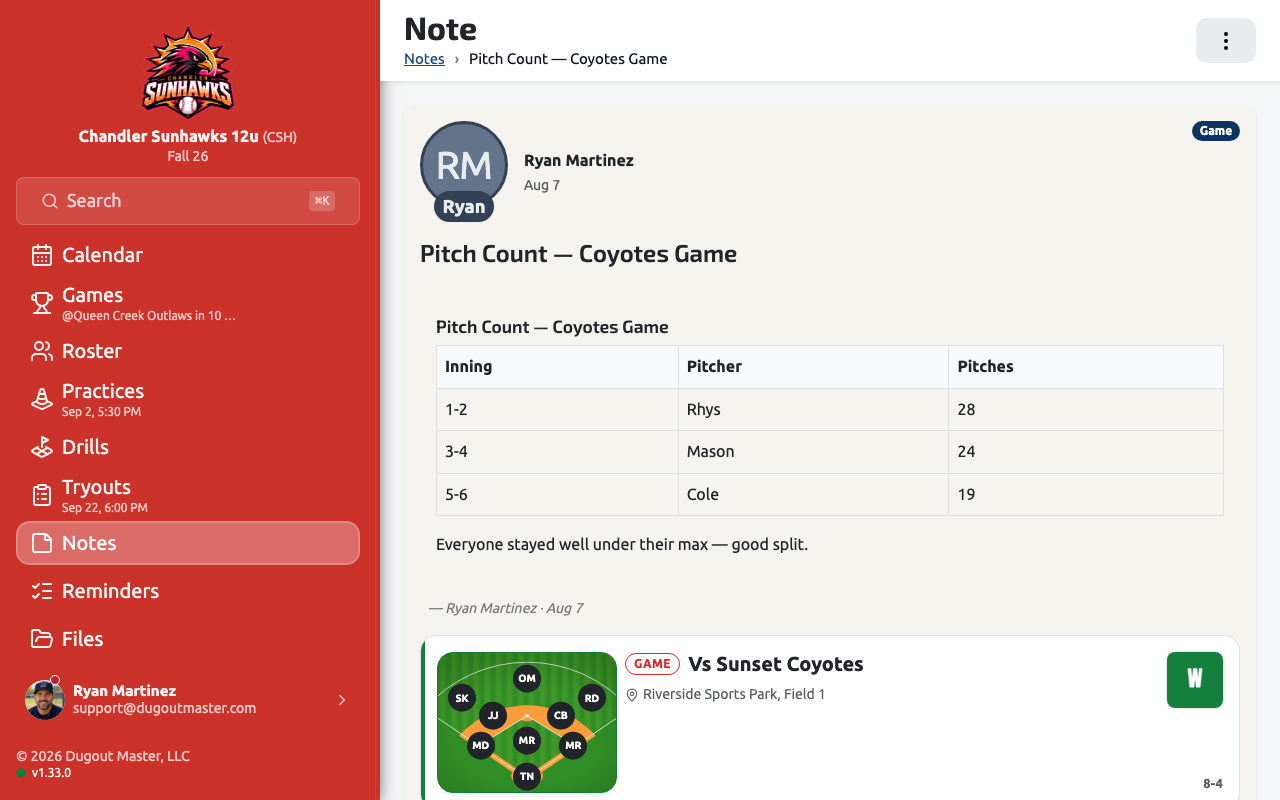
Quick Note
Section titled “Quick Note”Quick Note captures a thought immediately, without asking you to decide up front what it’s about or who it’s linked to — file the details in later. It’s the fastest way to jot something down mid-practice or mid-game.
Linking notes
Section titled “Linking notes”- Players — a note linked to a player appears both in the Notes board/list and directly on that player’s page.
- Saved videos — a note can link to a video saved in your team’s Video Library, so a coaching point stays right next to the clip it’s about.
Filtering
Section titled “Filtering”Notes default to showing everything. Competition is a filter you can apply, not a container your notes live inside — a note isn’t lost just because you’ve switched competitions.