
Drills & Video Library
The drill library is where every drill your team runs lives — searchable, filterable, and reusable across as many practices as you want.
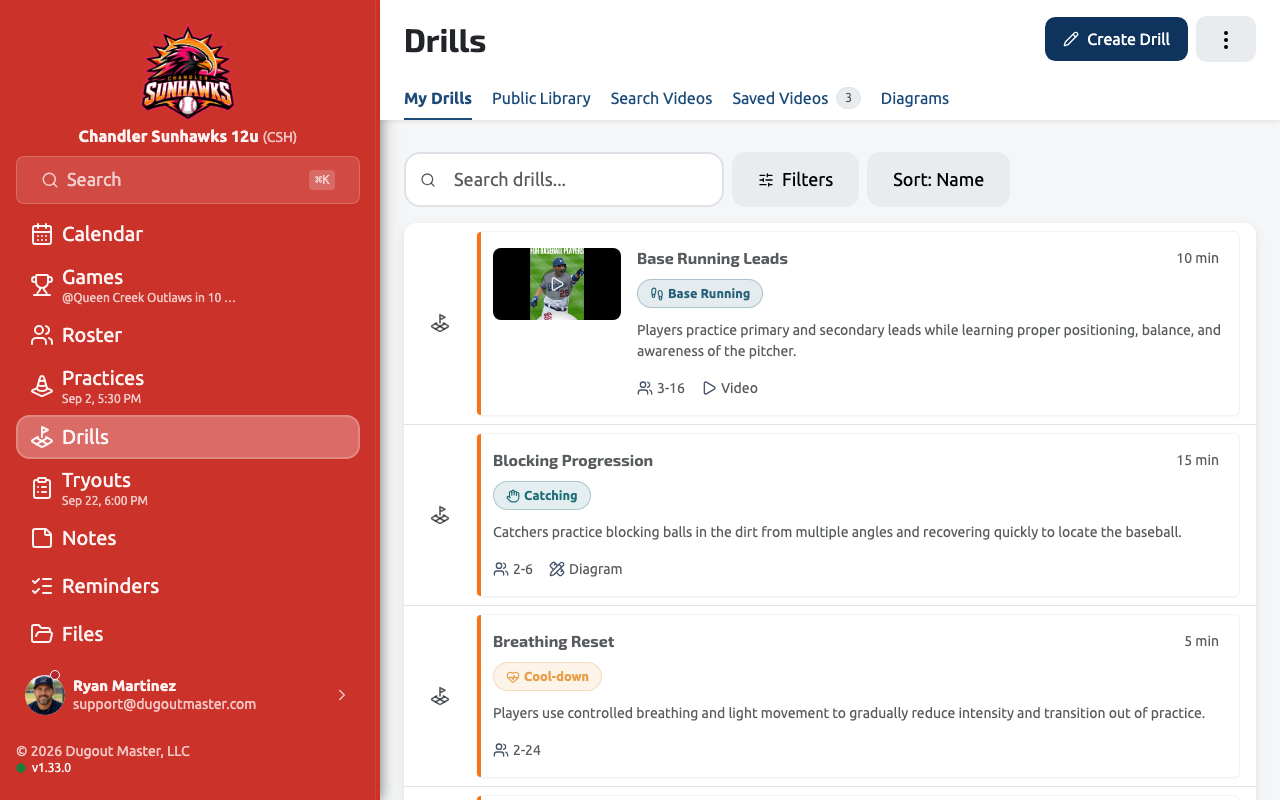
Finding drills
Section titled “Finding drills”Search, filter, and sort all live in one toolbar at the top of the drill library — there’s no separate filter panel to open. Use it to narrow down by skill, equipment, or duration before adding drills to a practice.
Drill details
Section titled “Drill details”Tap a drill to open its detail page: instructions, equipment, and an Add to Practice action that drops it straight into whichever practice you’re building. Equipment for a drill is edited from a simple pop-up rather than inline on the page.
AI-generated drills
Section titled “AI-generated drills”Generate Drill writes a drill for you instead of you writing one from scratch: pick a category and skill level, add anything specific in an optional notes field, and Dugout Master returns a complete drill — name, setup and execution instructions, equipment list, and duration. It saves straight into your library like any other drill, so you can open it and edit anything before you run it.
AI-generated and manually-created drills live in the same library with no separate tab — mix and match freely when building a practice.
Video Library
Section titled “Video Library”Under Drills, the Video Library lets you search YouTube for coaching content and save clips to your team’s library in one click — results load more as you scroll, and the age/length filters make it easy to narrow down to short, recent clips. Saved videos get their own tab, with:
- Favorites and personal notes on each clip
- Sorting and a choice of list or grid view
- A details modal with embedded playback, hover previews, and save-state indicators in search results
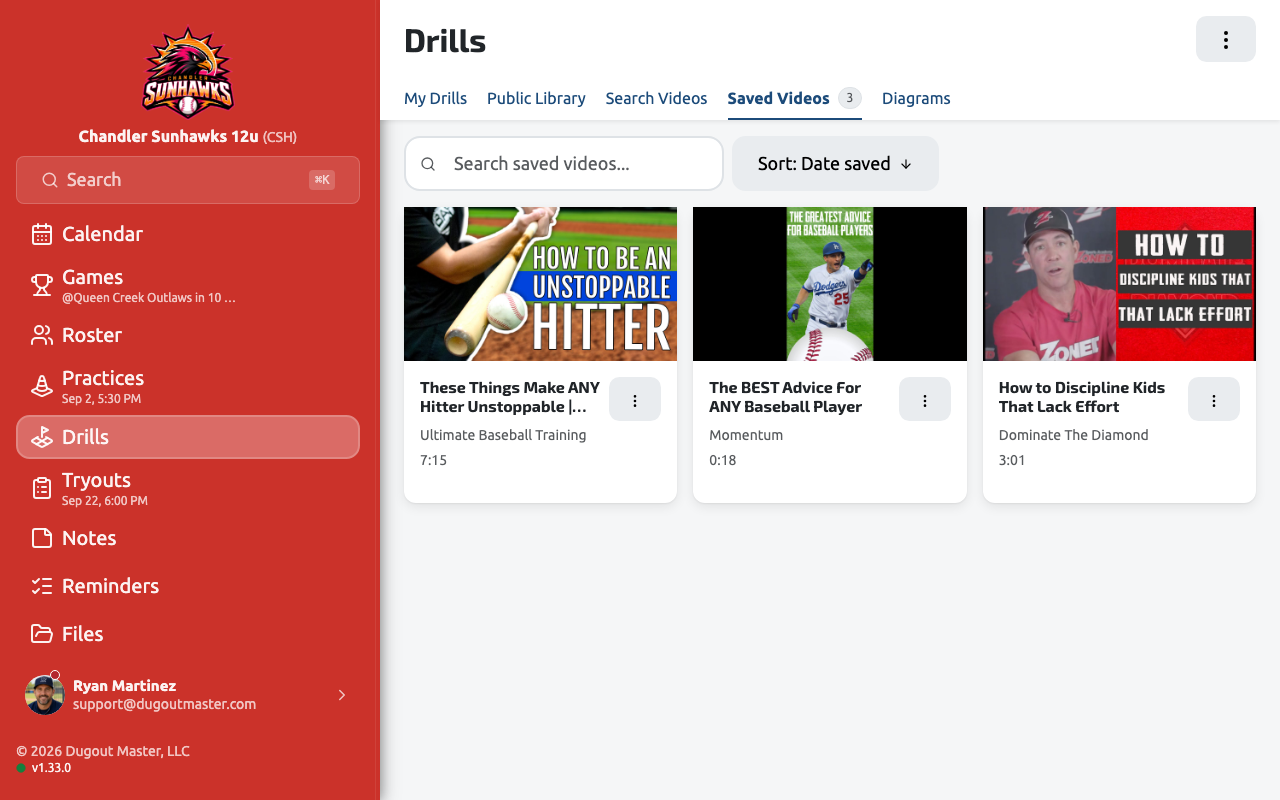
Once a video is saved, you can attach it to a drill so coaching notes and reference clips travel together — and from the Notes side, a note can link straight back to a saved video too.