
Plans & Billing
Dugout Master has three tiers — Free, Pro, and Elite. A subscription belongs to an individual coach’s own account, and most of what it unlocks follows that coach onto any team they’re on — see Coaches and billing below for the exceptions.
The tiers
Section titled “The tiers”Free covers one team, one competition at a time (up to six months long), and an unlimited roster — the whole game workspace (lineups, positions, pitch counts, the game clock, offline games, league rule checks) is free on every tier. Pro and Elite lift the team/competition caps, add coach seats, and unlock player development, files, notes, and sharing features that are gated elsewhere in these docs as “(Pro feature)” or “(Elite feature).”
| Free | Pro | Elite | |
|---|---|---|---|
| Teams | 1 | 2 | 10 |
| Competitions | 1 at a time, up to 6 months | Any length | Any length |
| Players per team | Unlimited | Unlimited | Unlimited |
| Coach seats | None | 2 | 4 |
| Storage | 100 MB, no video | 2 GB | 10 GB |
Elite is built for coaching more than one team under one organization: it raises the team cap to 10 and adds the Club Roster view — every player across every team you coach, in one place — plus organization-wide branding.
Upgrading
Section titled “Upgrading”Go to Settings → Billing. On the free tier this shows a pricing grid for Pro and Elite — pick a plan and Dugout Master opens Paddle checkout to complete the purchase. If you’re already on Pro, the same page shows an Upgrade to Elite option with a monthly/yearly toggle instead of a new checkout — changing your existing subscription’s plan rather than starting a second one.
Managing or cancelling
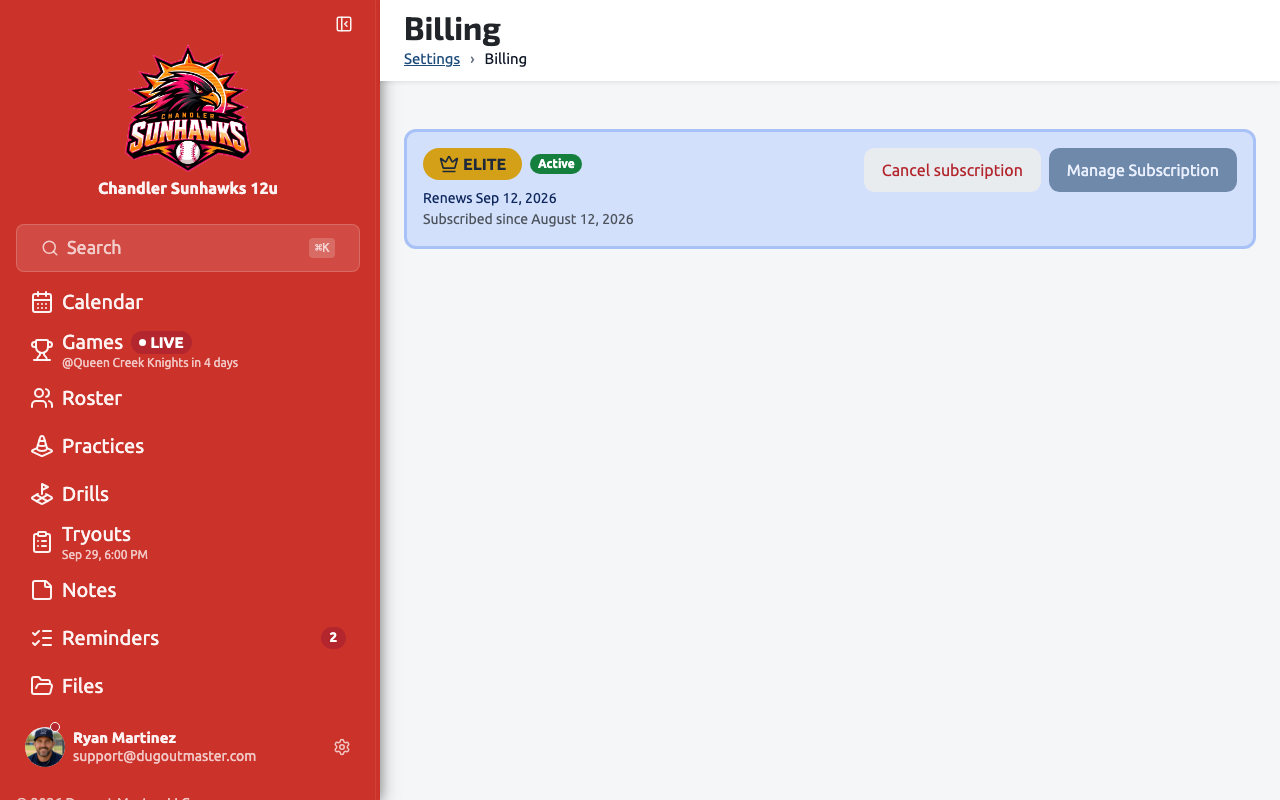
Section titled “Managing or cancelling”The Billing page shows your current plan, status, and renewal date, with a Manage Subscription button that opens Paddle’s customer portal for payment details and invoices.
Next to it, a cancel button appears whenever you have an active subscription to cancel. It reads Cancel subscription — you won’t be charged again, and you keep access until the end of the current billing period. You’re asked to confirm before anything happens, and after cancelling a one-time feedback prompt asks why you’re leaving.
Your Pro Trial
Section titled “Your Pro Trial”Every new account starts with a 14-day Pro Trial: everything in Pro is unlocked, no credit card is needed, and there is no automatic charge when it ends. The sidebar shows how many days are left, the Home page carries a short status card, and the Billing page explains it. When the trial ends your account simply continues on the Free plan — your players, games, practices, notes and files stay exactly where they are — and you can upgrade to Pro or Elite whenever you like. Upgrading during the trial starts your subscription that day; there is no second trial.
What is the Pro Trial? Fourteen days of full Pro access so you can explore the entire product before deciding whether to upgrade.
Do I need a credit card? No.
Will I be charged when it ends? No. Your account continues on the Free plan unless you choose to upgrade.
What happens to my data if I stay on Free? It stays in your account. Free plan limits apply to creating more (a second team or competition, for example, or Pro-only features like practices and files), but nothing you made during the trial is deleted.
Coaches and billing
Section titled “Coaches and billing”An invited coach only needs a Dugout Master account — they don’t need a subscription just to accept an invite. But most Pro and Elite features (player development, files, notes, sharing, and the rest) key off the individual coach’s own plan, not the team owner’s: an assistant coach on the Free tier sees Free-tier limits on a team even if the owner is on Elite.
How many coaches you can invite is set by your own plan: Free allows none, Pro allows 2, Elite allows 4. Once you’re at your seat limit, inviting another coach requires upgrading. See Coaches for the invite flow.