
Creating Your First Team
Creating a team is the first thing you do in Dugout Master. Your team is the home for your roster, competitions, and games.
Before you start
Section titled “Before you start”You’ll need a Dugout Master account. If you don’t have one, sign up at app.dugoutmaster.com.
-
Open the app and tap the + icon or the Create Team button on the home screen.
-
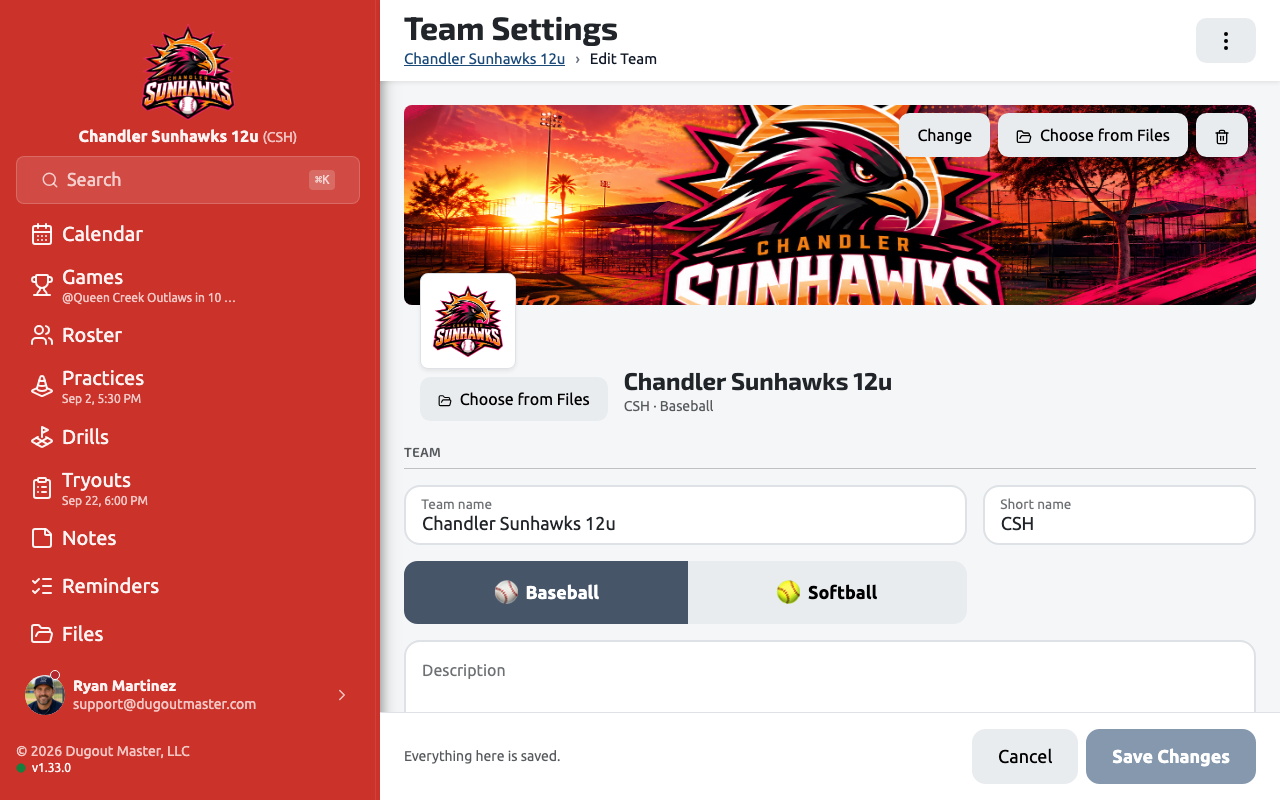
Enter your team name. Choose the name your players and families will recognize — you can always update it later.
-
Pick your team colors. These are used throughout the app for visual identity on lineup boards and the scoreboard header.
-
Upload a team logo (optional). A square image works best. Your logo appears in the game header next to the scoreboard.
-
Save. Tap Create Team to finish. You’ll land on your new team’s dashboard.
What’s next?
Section titled “What’s next?”With your team created, the next step is Adding Players to your roster.