
Pitch Count Tracking
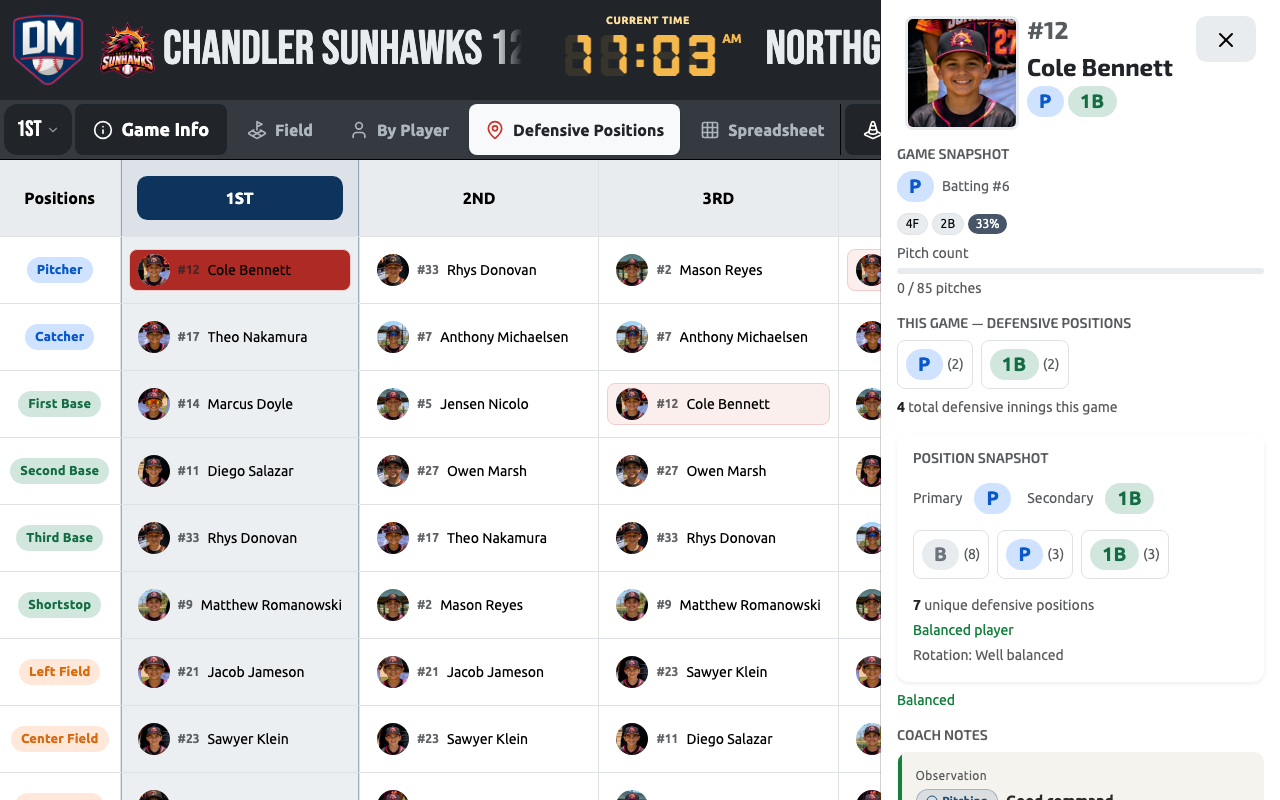
Dugout Master can track live pitch counts for whoever is assigned to the Pitcher position and warn you as they approach a limit.
Turning it on
Section titled “Turning it on”Pitch counting only appears once a max pitch count is set. You can set it two ways:
- Competition level — a default max that applies to every game in the competition.
- Game level (Pro+) — in the game’s Pitching Rules section, override the competition max for just that game. Leave it at 0 to fall back to the competition’s limit.
If neither is set, pitch counting is off and no controls are shown.
Tracking pitches
Section titled “Tracking pitches”Tap the Pitcher position badge on the field diagram or in the lineup list to open the pitcher modal. It shows the assigned pitcher’s name and a stepper to log pitches (+1 / −1, or type a number directly). A quick −5 / +5 control is also available for fast adjustments.
Pitch counts are saved on the game and carry across innings — they aren’t reset each inning.
Status warnings
Section titled “Status warnings”As a pitcher’s count climbs toward the limit:
| Count | Status |
|---|---|
| ≥ 70% of limit | Approaching limit (X / Y) — warning |
| ≥ 90% of limit | Approaching limit (X / Y) — danger |
| Over the limit | Over limit (X / Y) |
Per-player overrides
Section titled “Per-player overrides”An individual player can have their own pitch limit that overrides the game/competition max whenever they pitch — useful for a player on a doctor’s restriction or a different age-bracket rule.
Pitching rest-day eligibility
Section titled “Pitching rest-day eligibility”If your team has pitching rest rules enabled, the same pitcher modal also checks whether a player is eligible to pitch based on their recent pitch counts. If they’re not eligible yet, Dugout Master shows a warning before you can confirm them as the pitcher.