
Warm-Up Drills
You can attach drills from your team’s Drills library to a game and run through them as a structured pregame warmup.
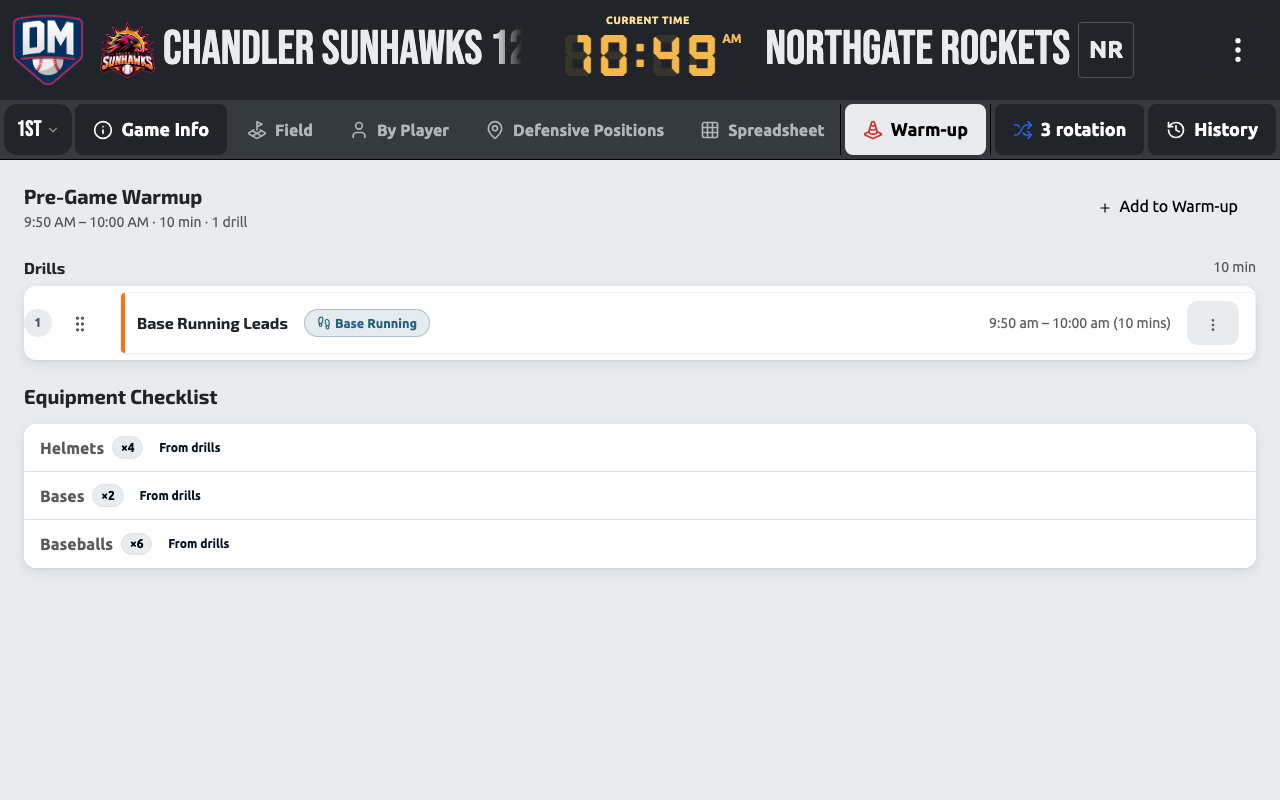
Attaching drills to a game
Section titled “Attaching drills to a game”Warm-up drills are picked and edited right inside the game workspace — there’s no separate setup page anymore. Open Warm-Up from the game’s ··· menu, tap Add Drill to open the drill picker, and pull drills from your team’s library onto the game. You can reorder or remove selected drills; a running total of the warmup’s duration is shown as you add them.
Running the warmup on game day
Section titled “Running the warmup on game day”Warm-Up is a full view of the game workspace, not a pop-up panel — it uses the same interactive drill-runner used for practices, timers and instructions included, scoped to just this game. If a game has warm-up drills attached, a Pre-Game Warmup pill also appears in the game’s meta bar above the field for quick access.
You can also load a set of warm-up drills straight from a practice template, instead of picking drills one at a time.