
Tryouts Overview
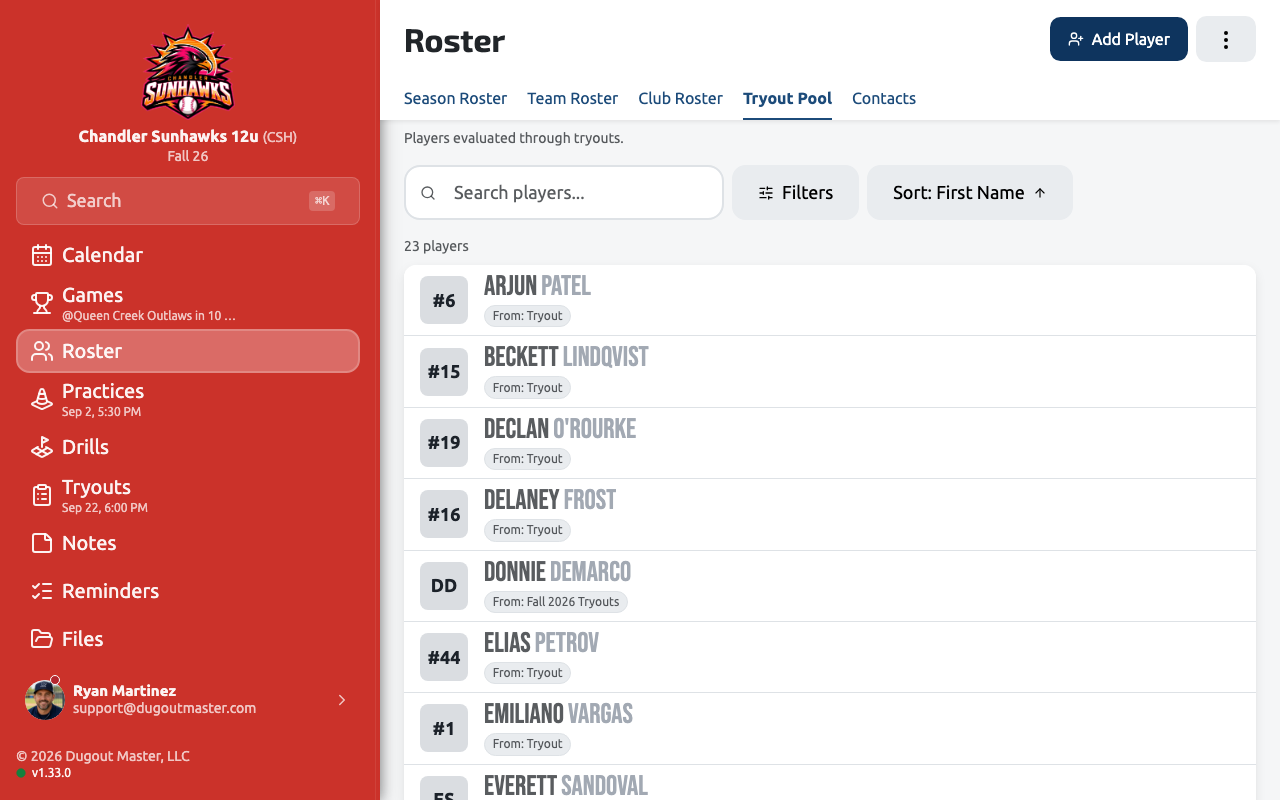
A Tryout Pool is a separate group of prospective players you evaluate before they’re on a team roster — it’s built and scored independently of your season roster, so evaluating a tryout doesn’t touch your actual team.
Lifecycle
Section titled “Lifecycle”Setup → Evaluation → Results → Draft to Team- Setup — create the tryout, add candidates, and configure the evaluation plan (see Tryout Evaluations).
- Evaluation — coaches score candidates during the tryout.
- Results — review rankings, sorting, and per-evaluator scores.
- Draft to Team — move a candidate directly onto a team roster once you’ve decided.
Public tryout page
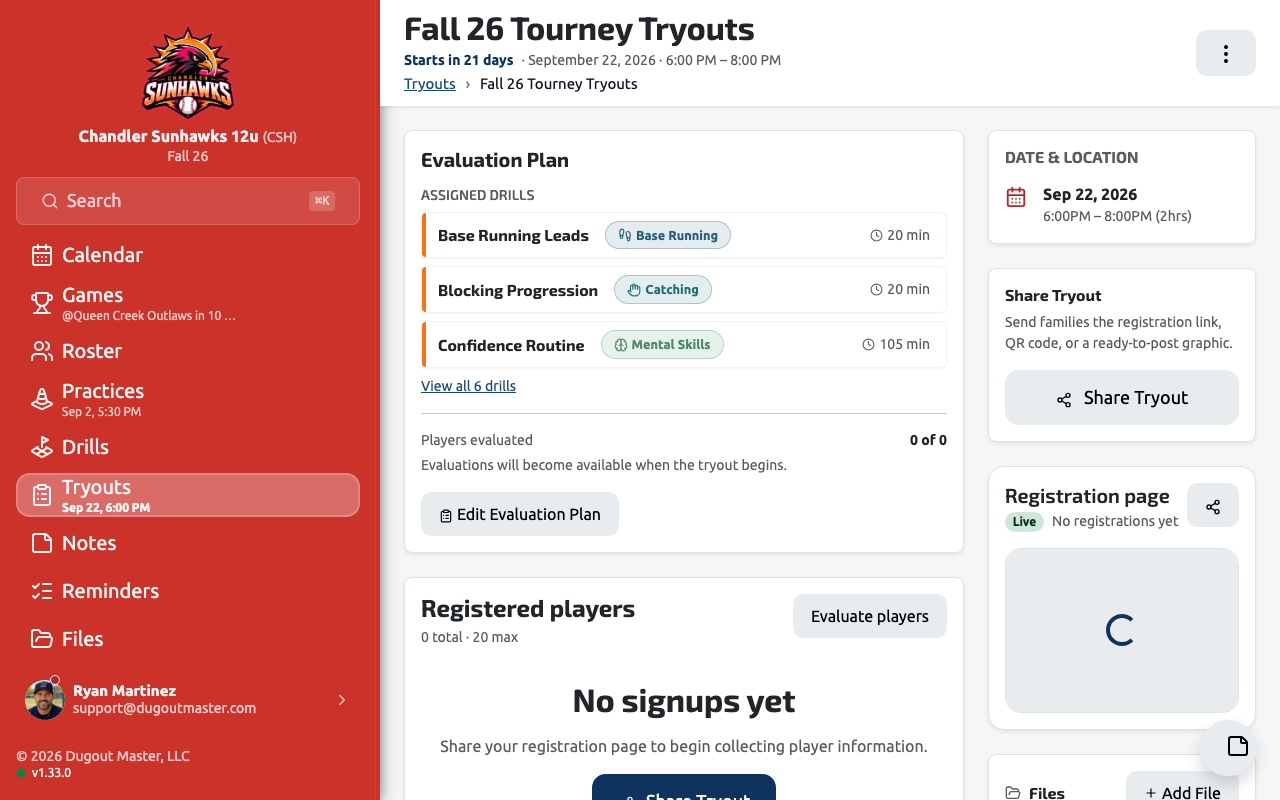
Section titled “Public tryout page”Every tryout gets a public page — part of your team’s Public Team Pages — with a live preview as you set it up, so prospective players and parents see accurate tryout details, dates, and location before you publish. A shareable tryout calendar feed lets families add tryout dates straight to their own calendars.
Filtering and exporting
Section titled “Filtering and exporting”The Tryout Pool supports filtering down to just tryout candidates, and exporting the pool to CSV/PDF.
Drafting to a roster
Section titled “Drafting to a roster”Once you’ve decided on a player, draft them directly from the Tryout Pool onto a team roster — no need to re-enter their information as a new player.